Side project

Spryngboard, screen by screen

20 screens2 areas

Every screen of Spryngboard, a side project for preparing career conversations: today's brief, the calendar, people, a three-step prep, momentum and email digests.

Shown on desktop first, then three phone screens at a time.

Captured from the repo with its built-in sample data. The people and conversations are made up.

On desktop 16

From signing in to being ready for the next conversation.
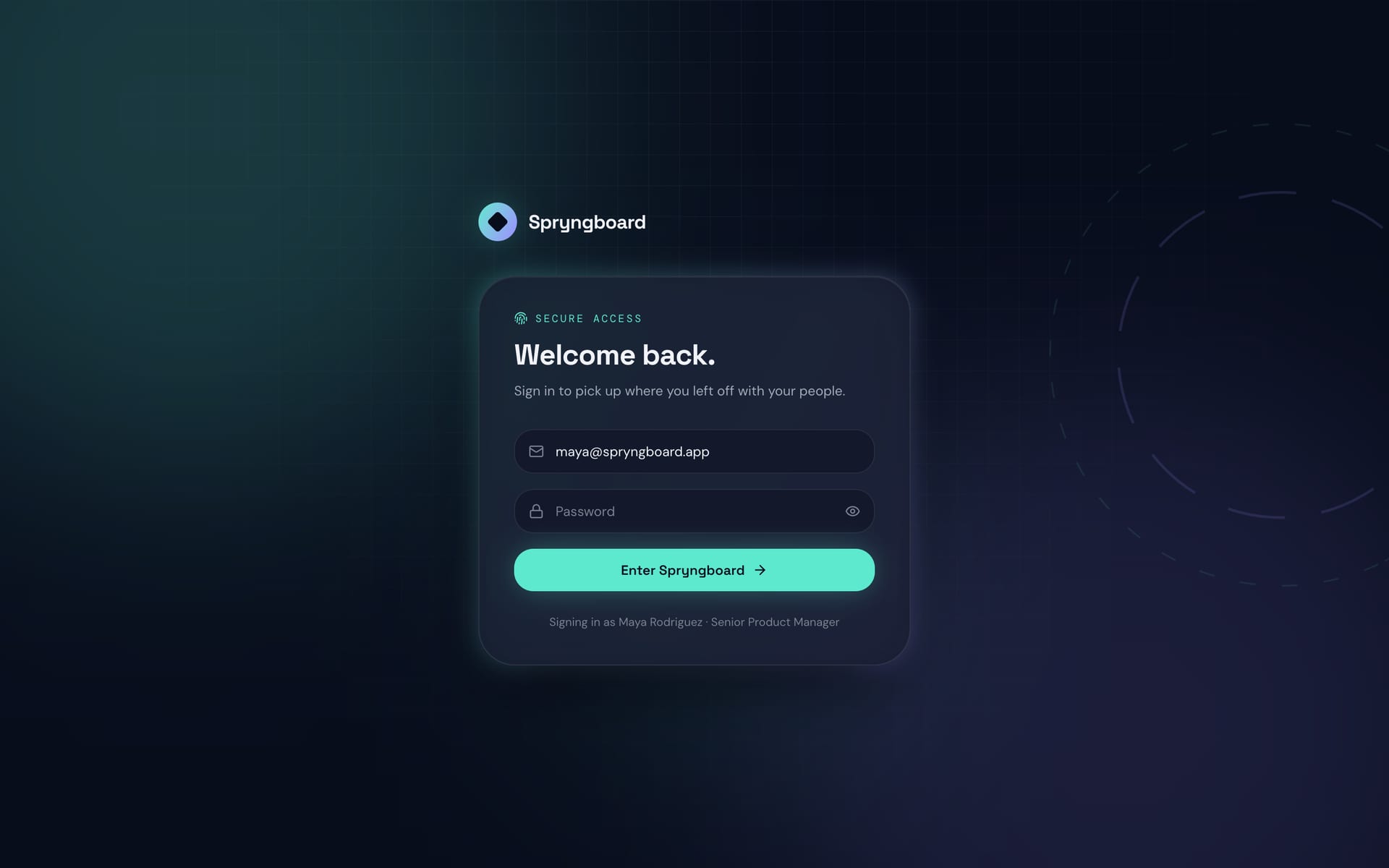
Spryngboard: the sign-in card on a dark background
Sign in
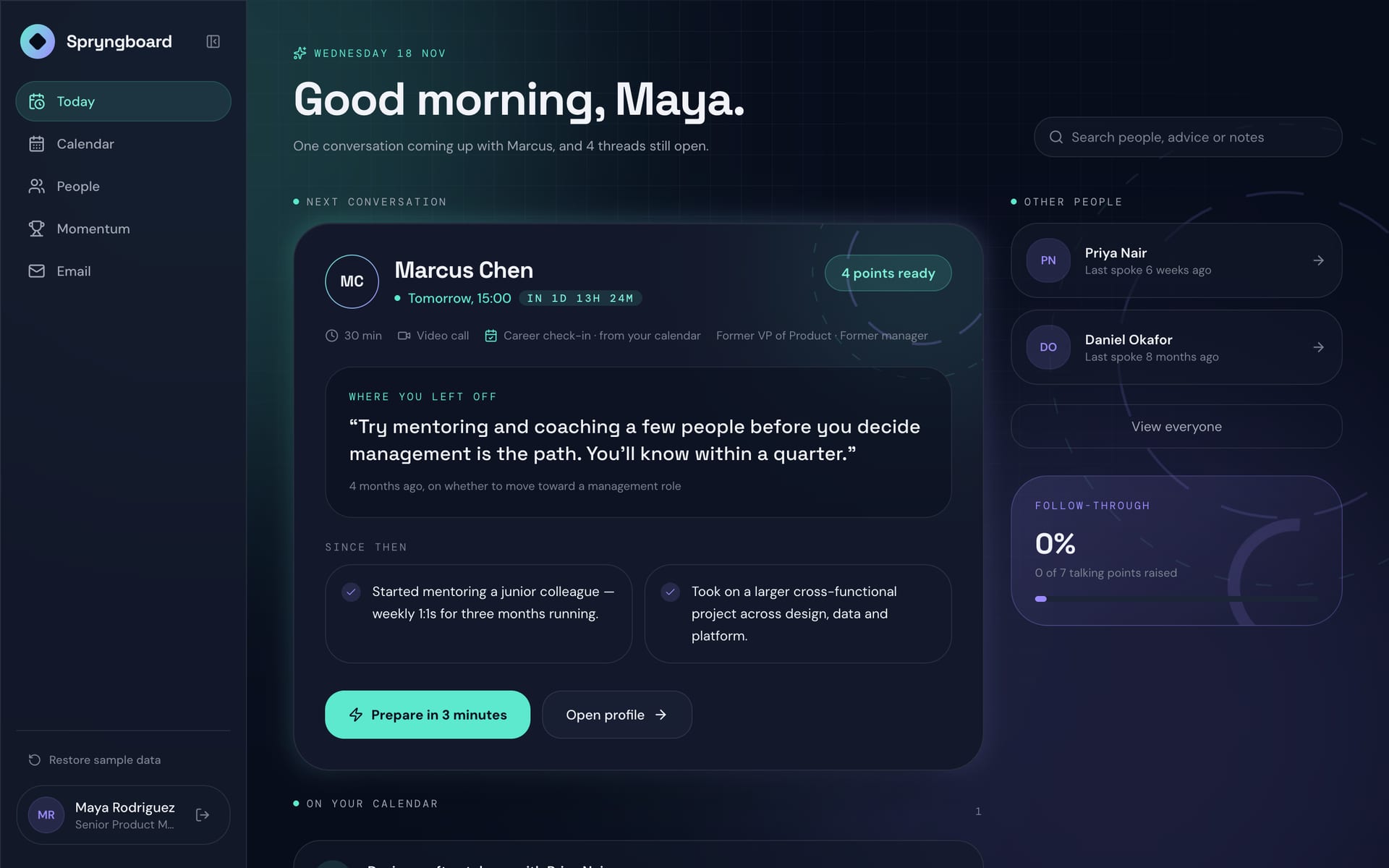
Spryngboard: Good morning, Maya: the next conversation with Marcus, where you left off and what changed since
Today: your next conversation
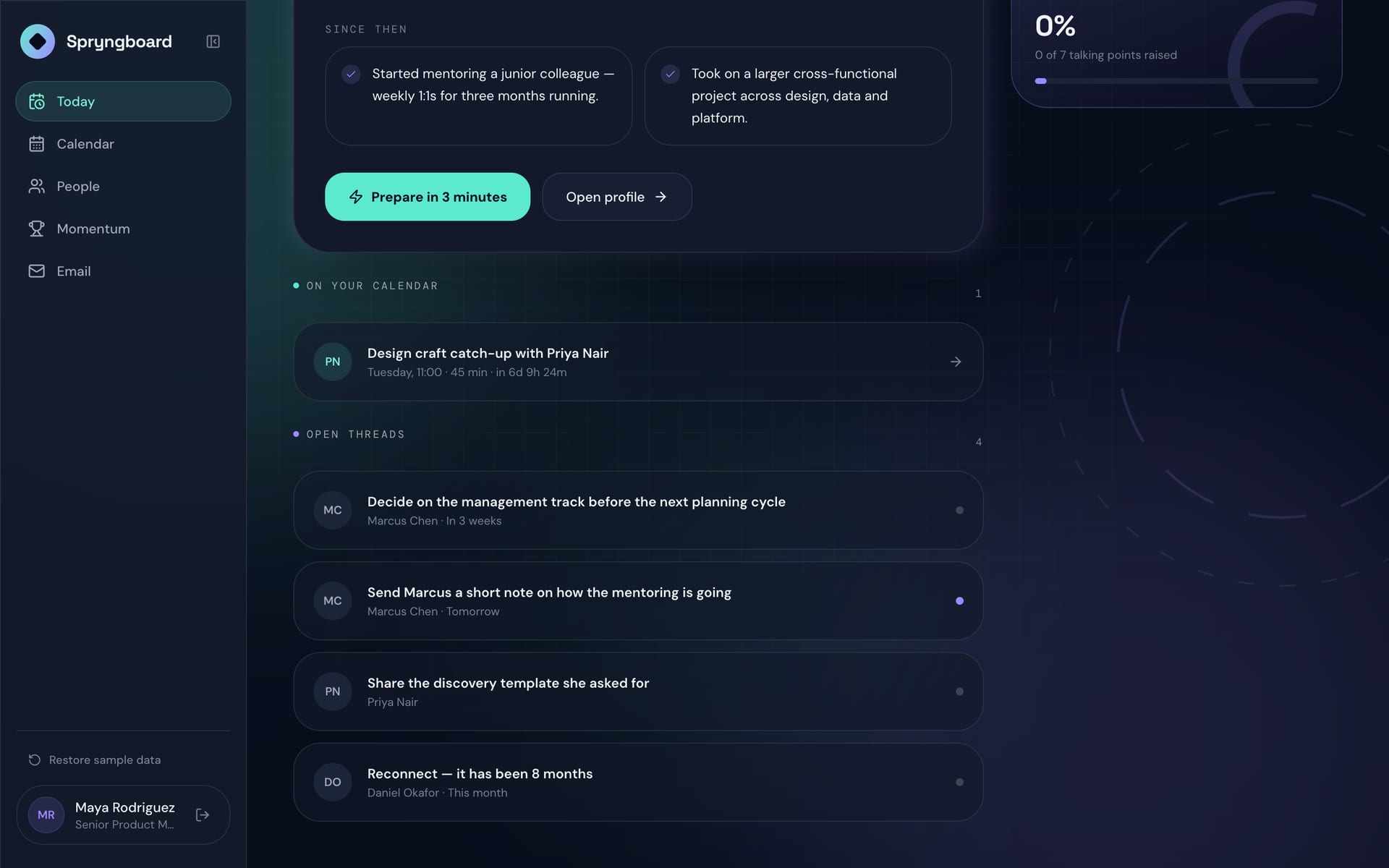
Spryngboard: the rest of Today: the calendar and open follow-ups
Open threads and your calendar
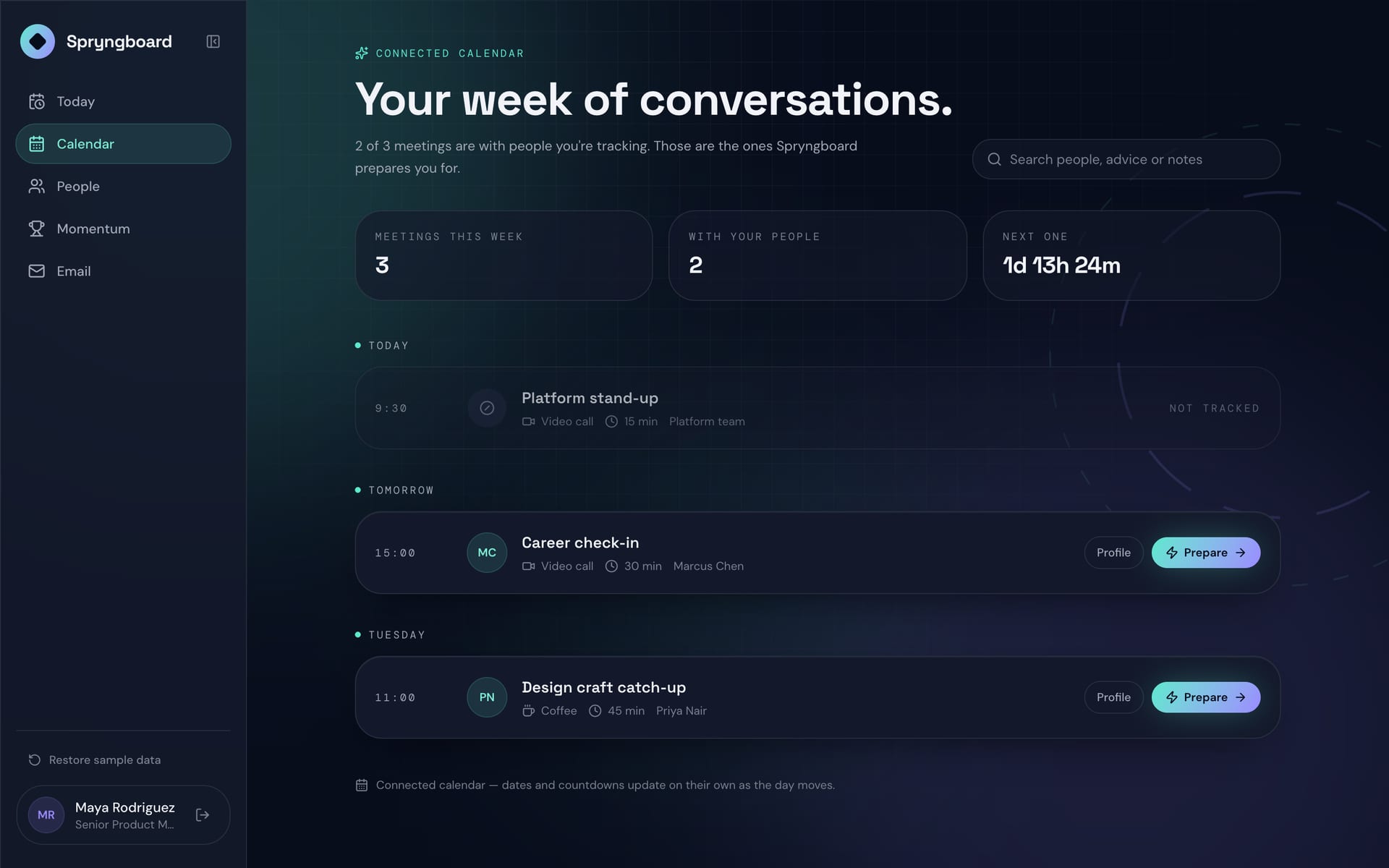
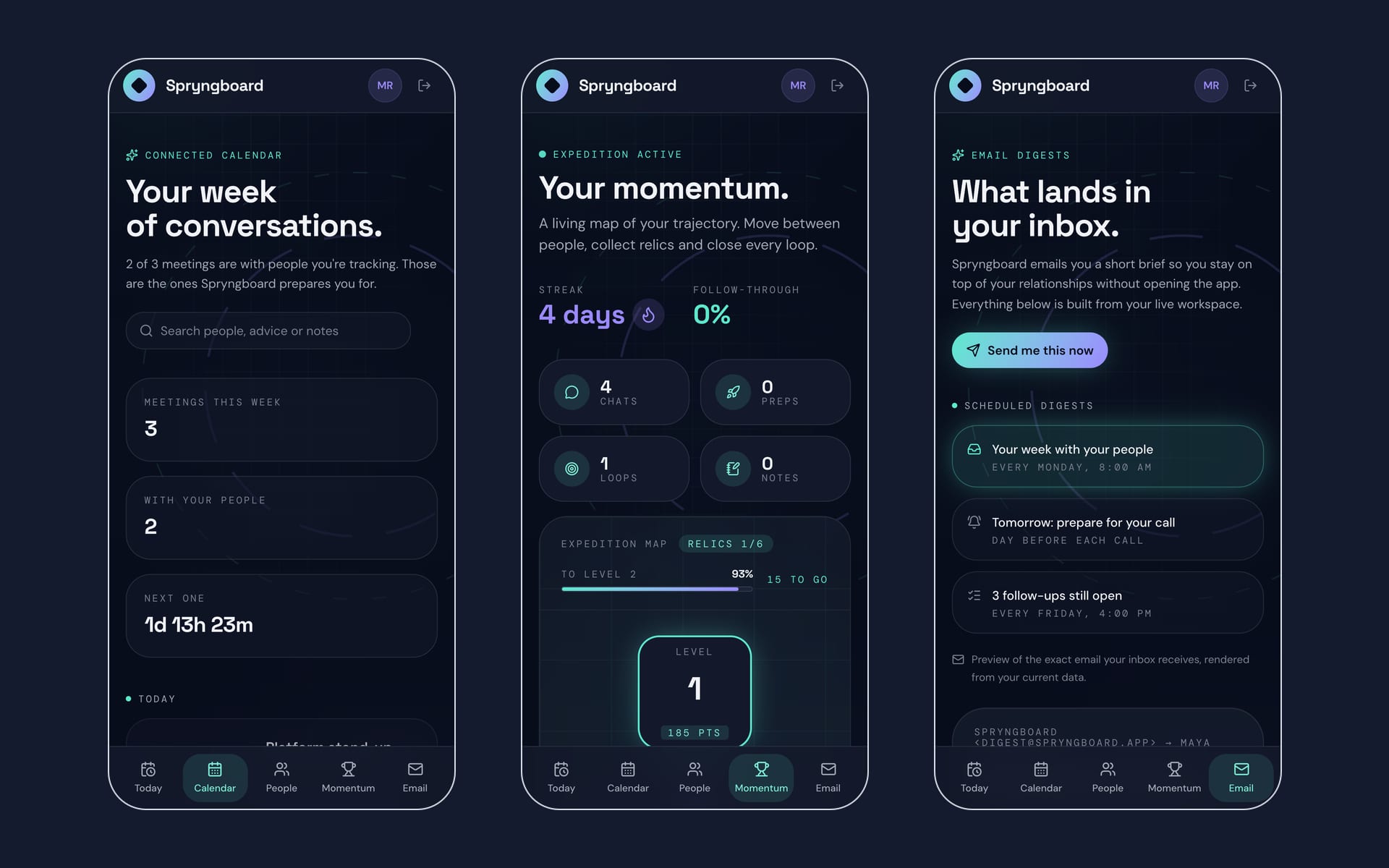
Spryngboard: the connected calendar, with the meetings Spryngboard prepares you for
Your week of conversations
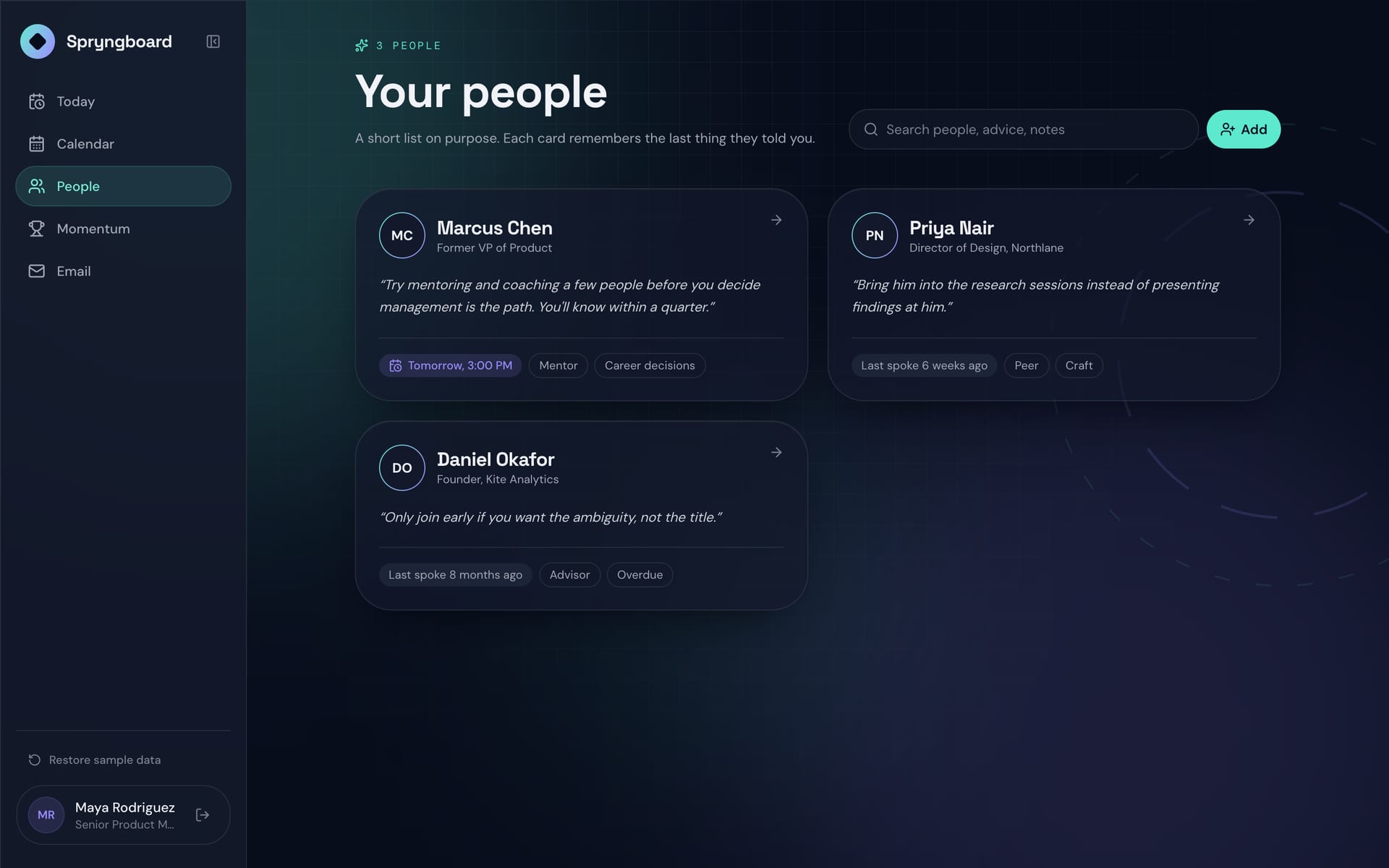
Spryngboard: cards for each person, with the last thing they told you
Your people
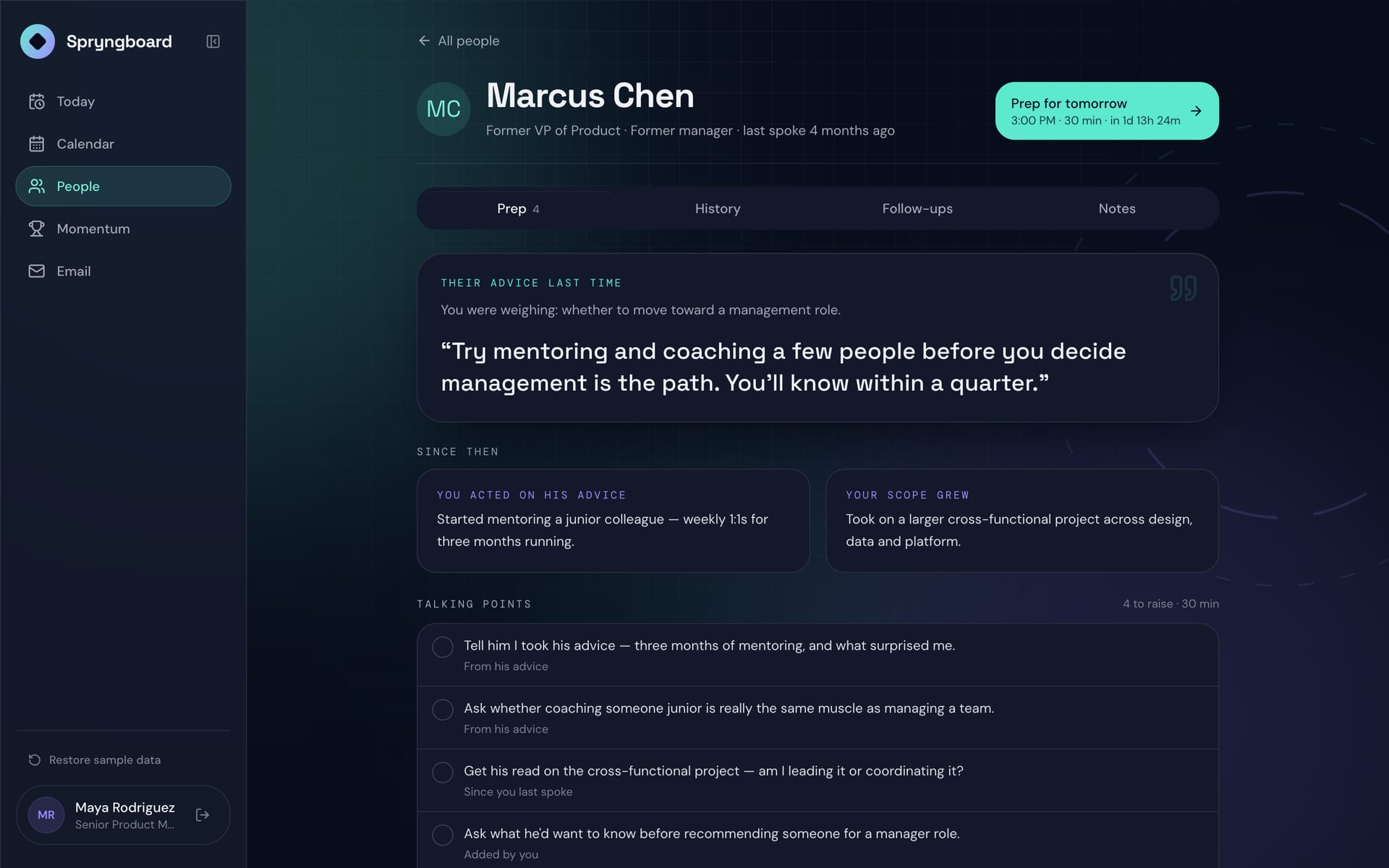
Spryngboard: Marcus's profile with his advice last time and talking points
A person: prep for tomorrow
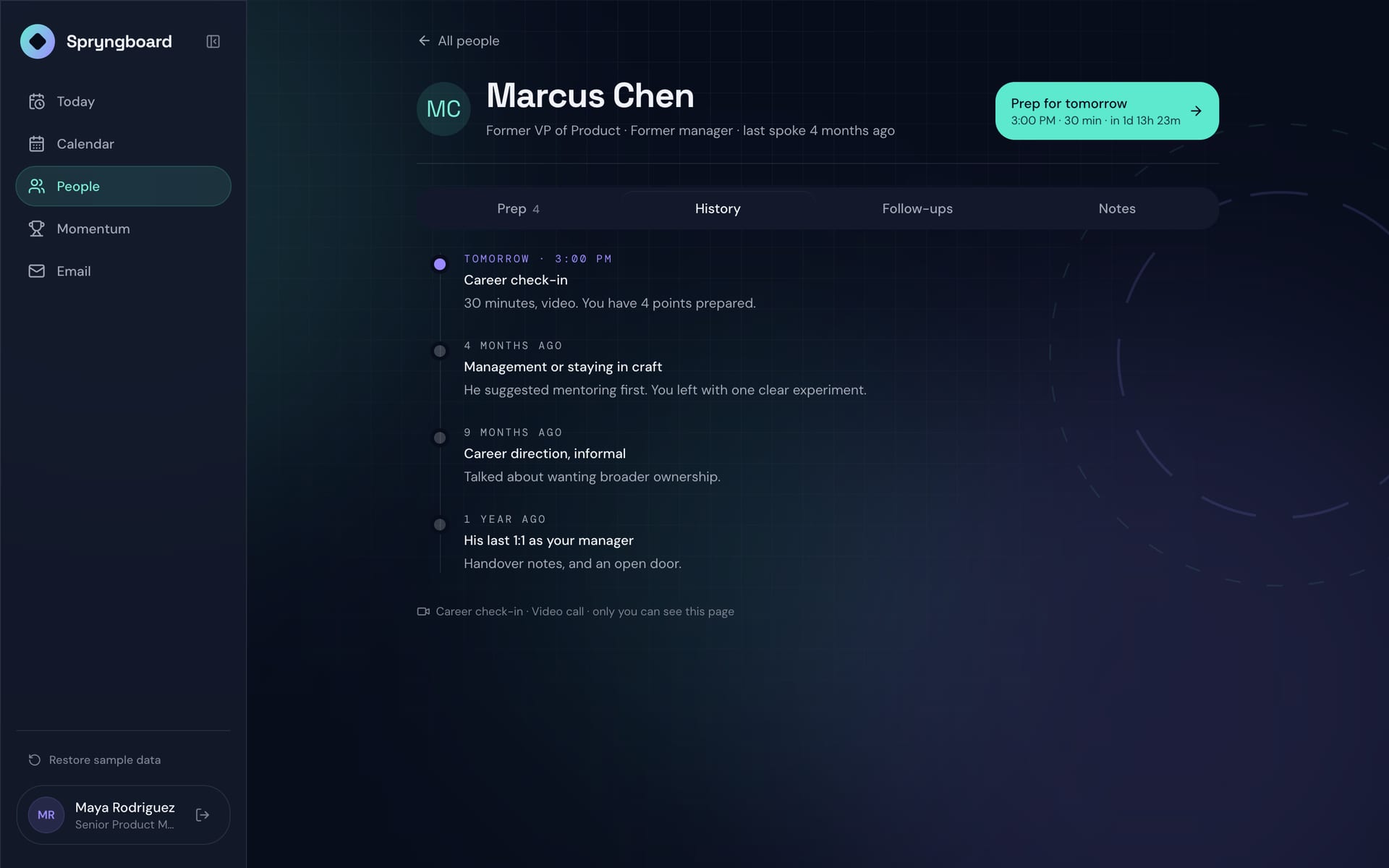
Spryngboard: a timeline of past conversations
History
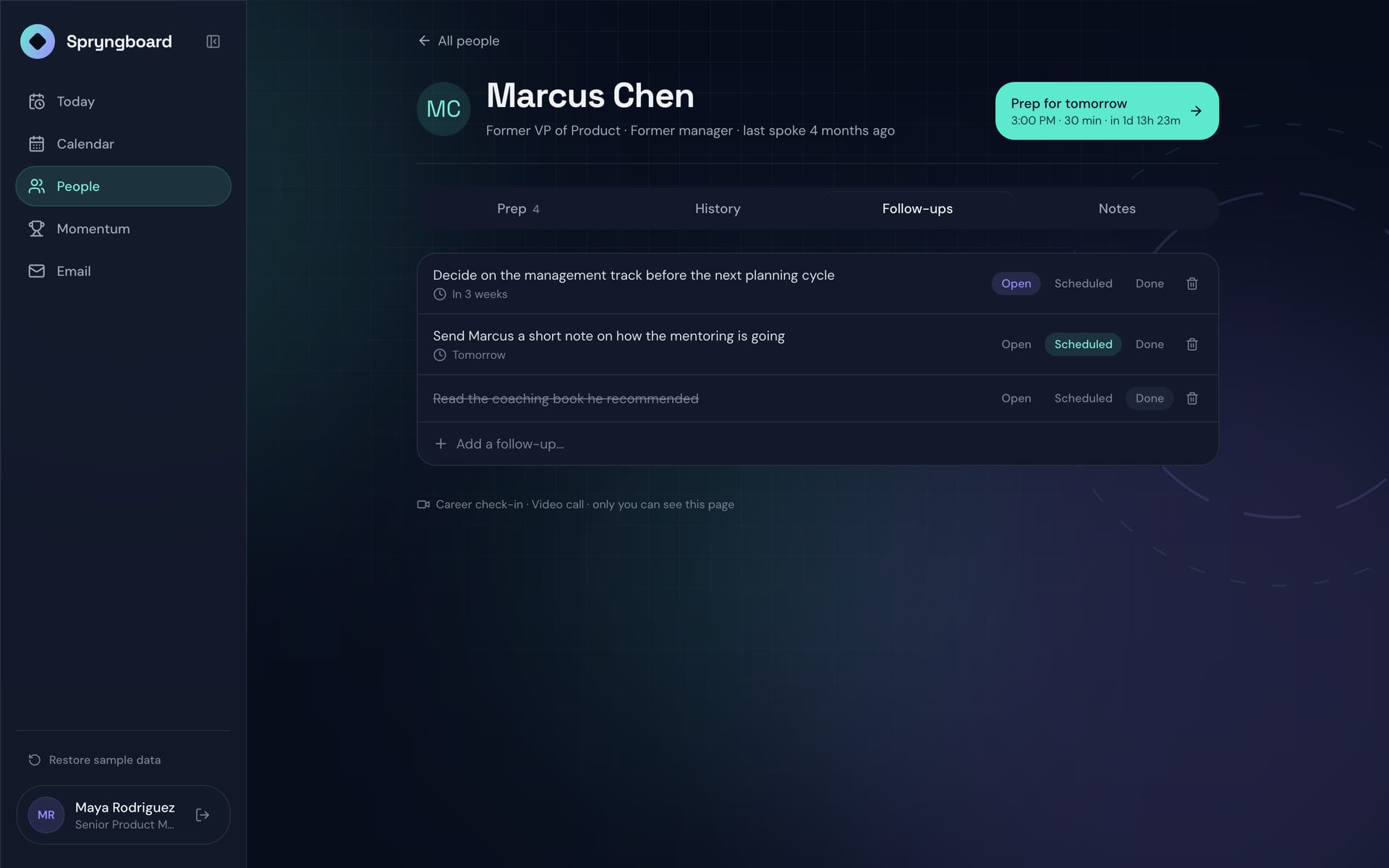
Spryngboard: open, scheduled and done follow-ups
Follow-ups
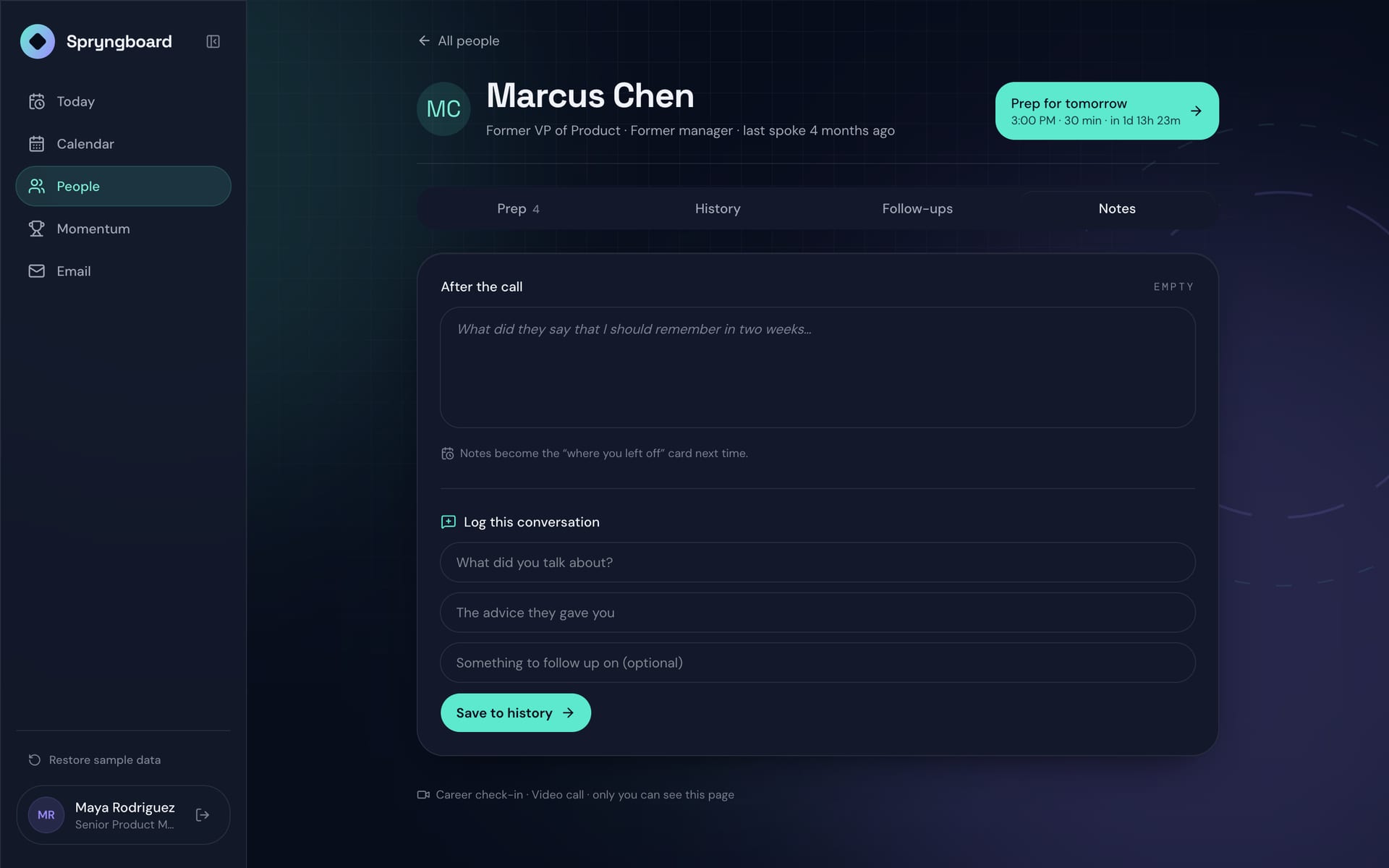
Spryngboard: a notes field and a button to log the conversation
Notes
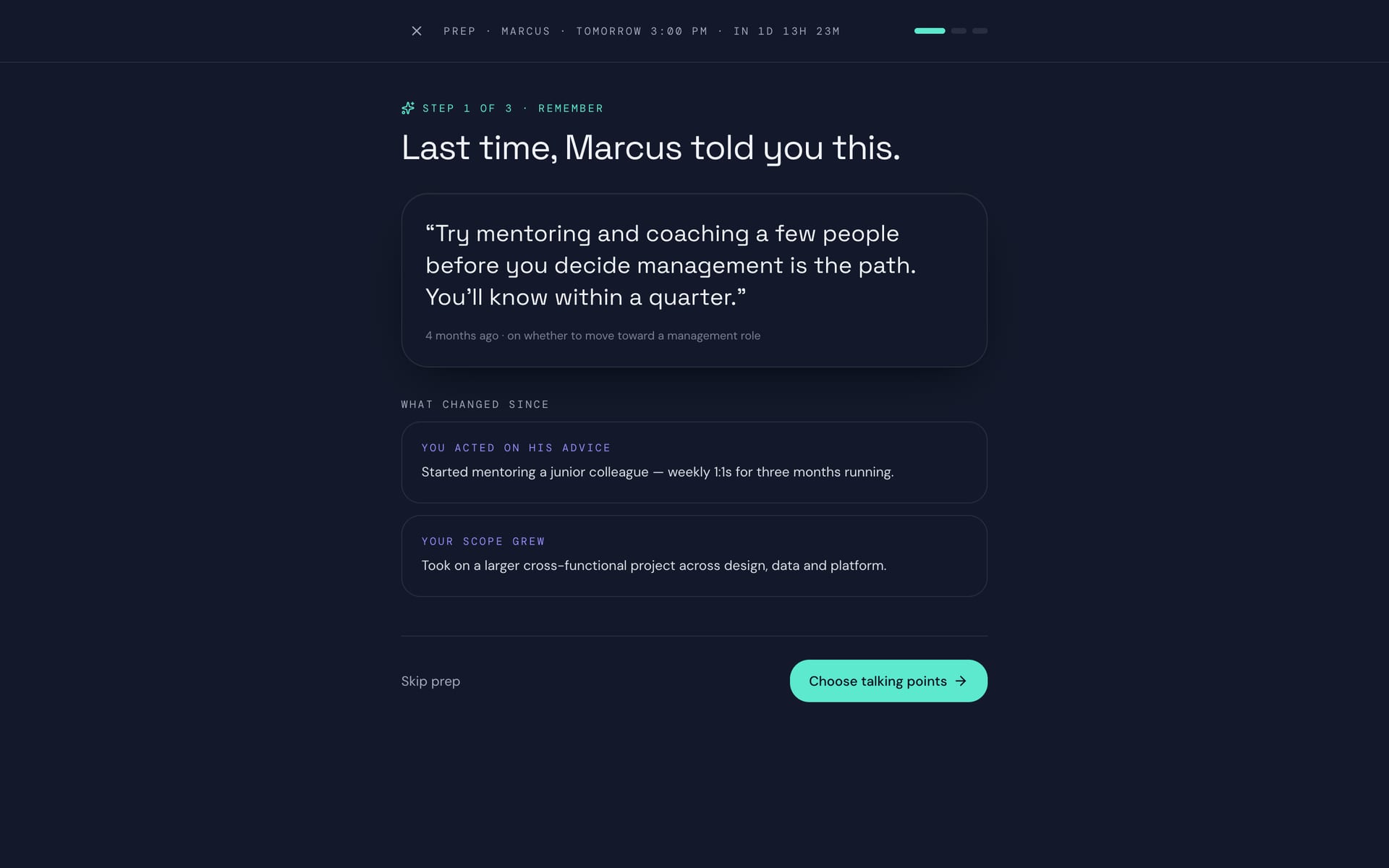
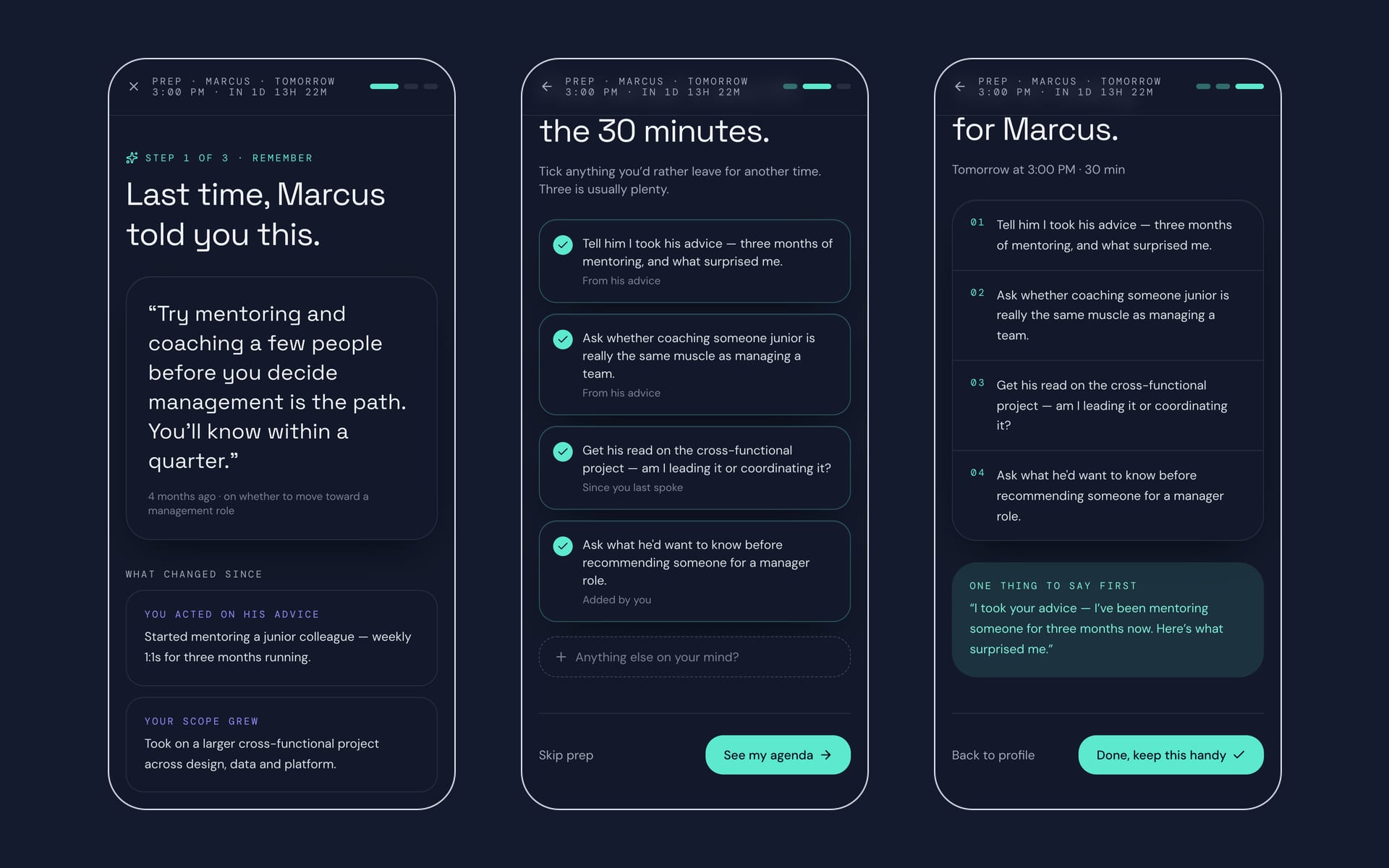
Spryngboard: what Marcus said last time and what changed since
Prep, step 1: remember
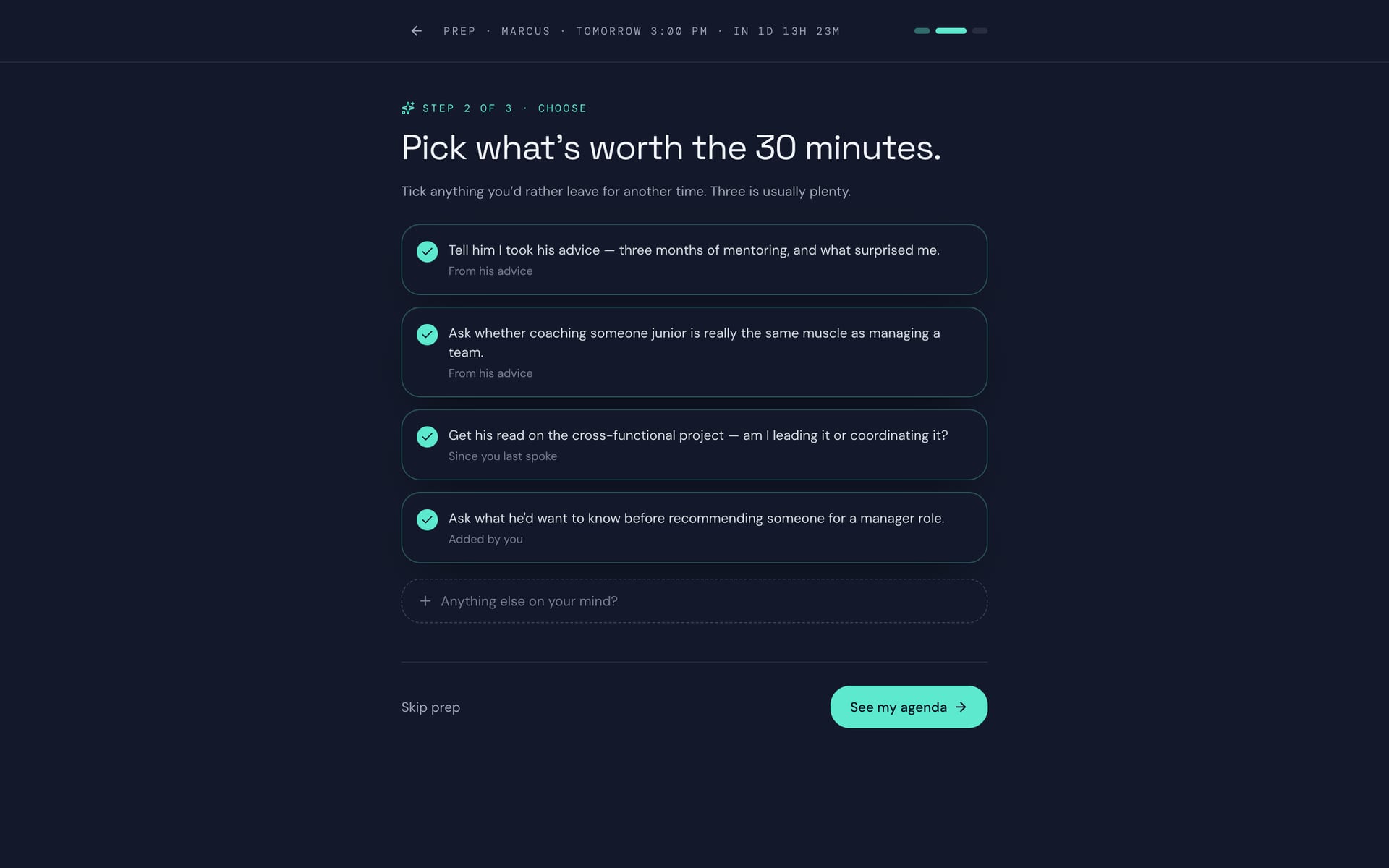
Spryngboard: talking points with checkboxes
Prep, step 2: pick talking points
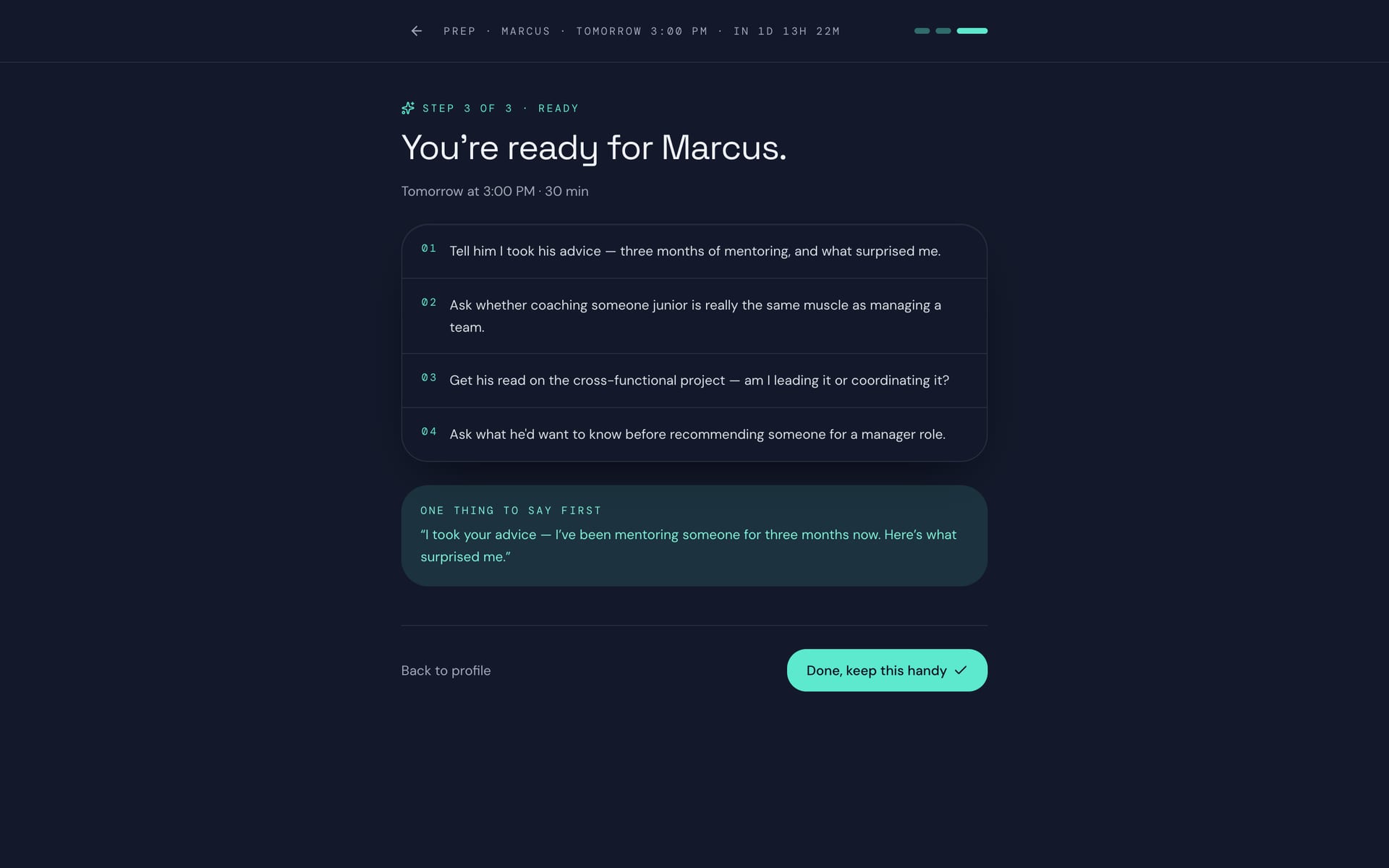
Spryngboard: the agenda and one thing to say first
Prep, step 3: ready
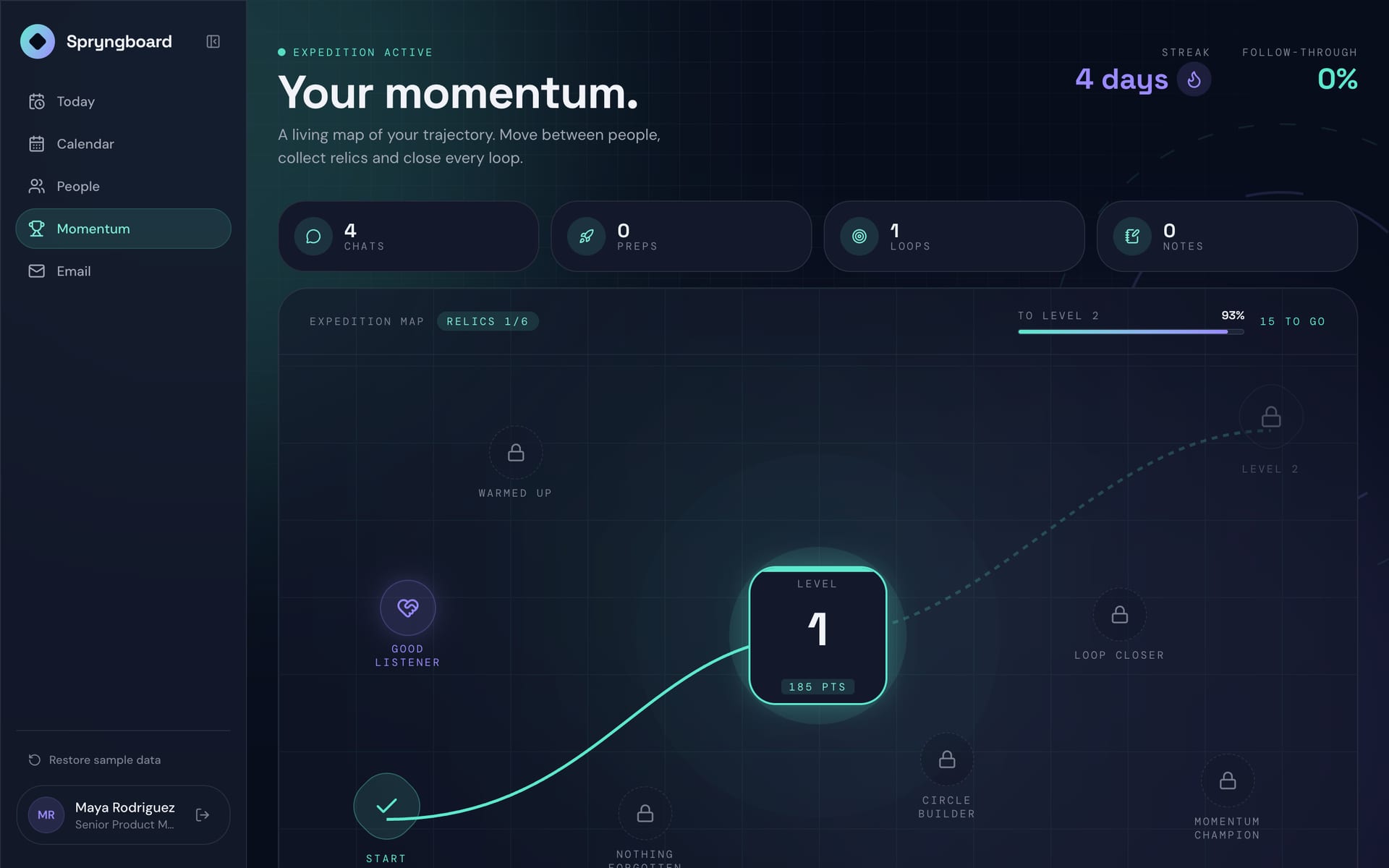
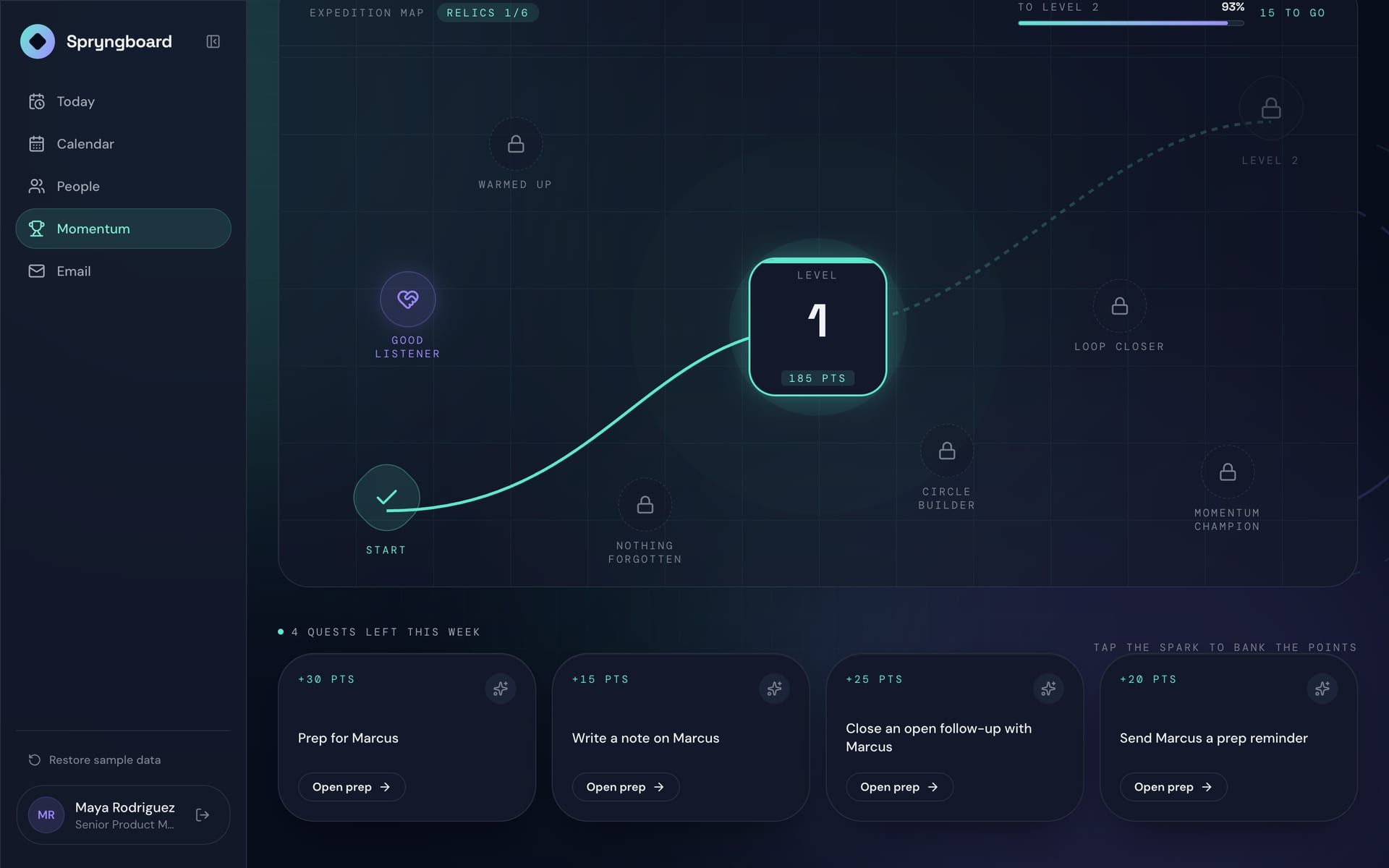
Spryngboard: a streak, follow-through and an expedition map of levels
Momentum
Spryngboard: the rest of the momentum map
Relics and loops
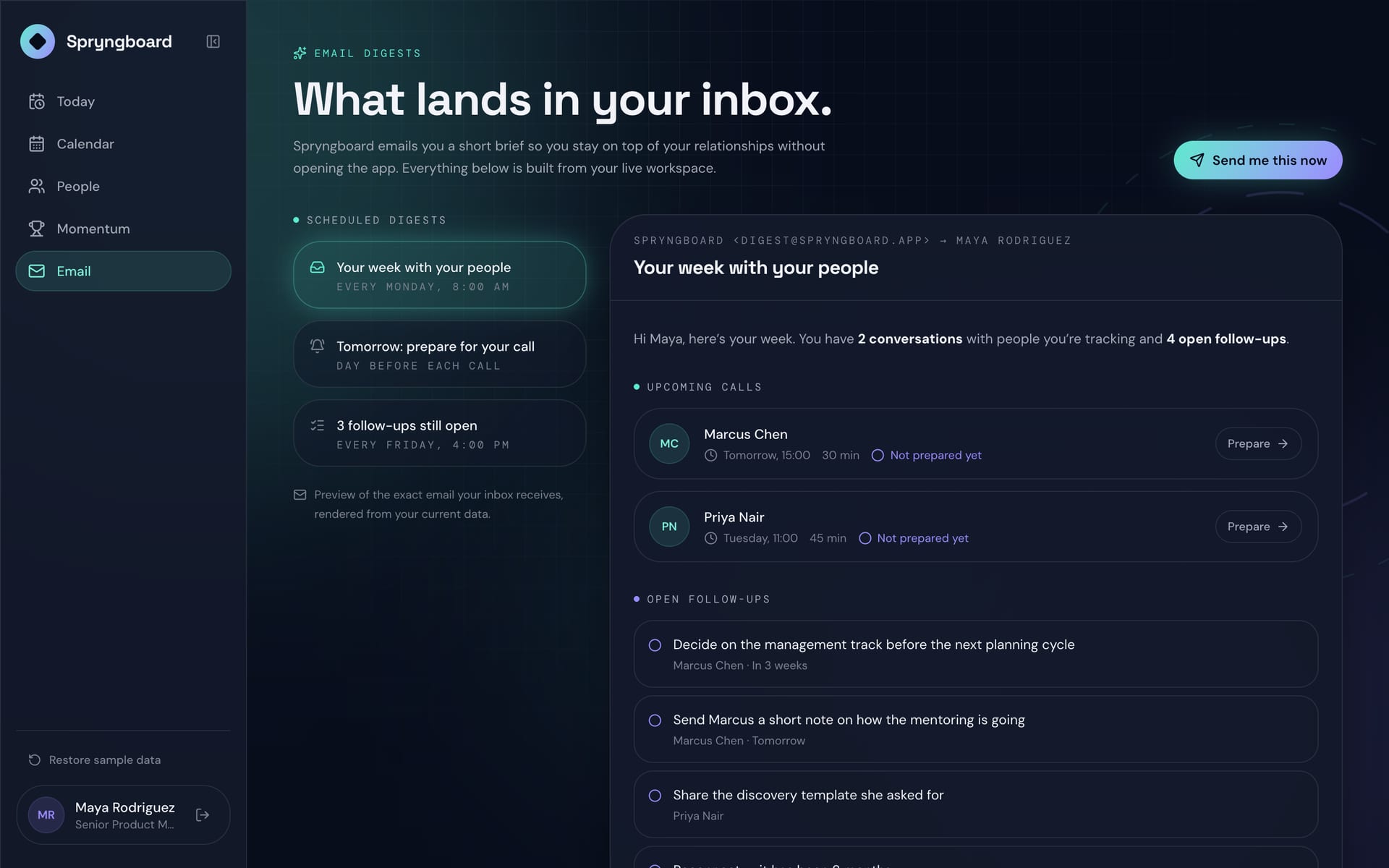
Spryngboard: scheduled digests and a preview of the weekly email
Email digests
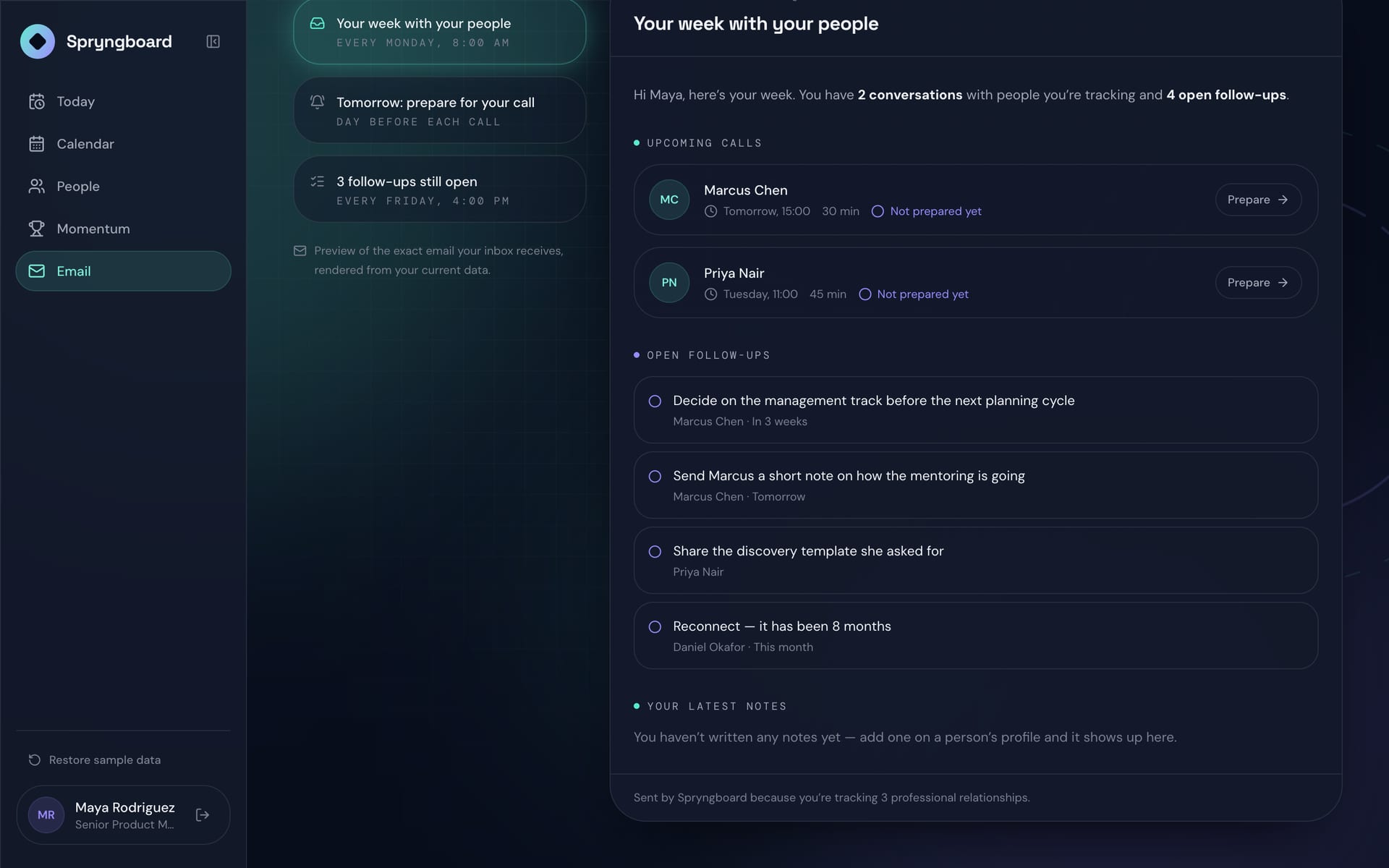
Spryngboard: the rest of the email preview with open follow-ups
The digest, in full

On a phone 4

The same flows on a phone, with a bottom tab bar.
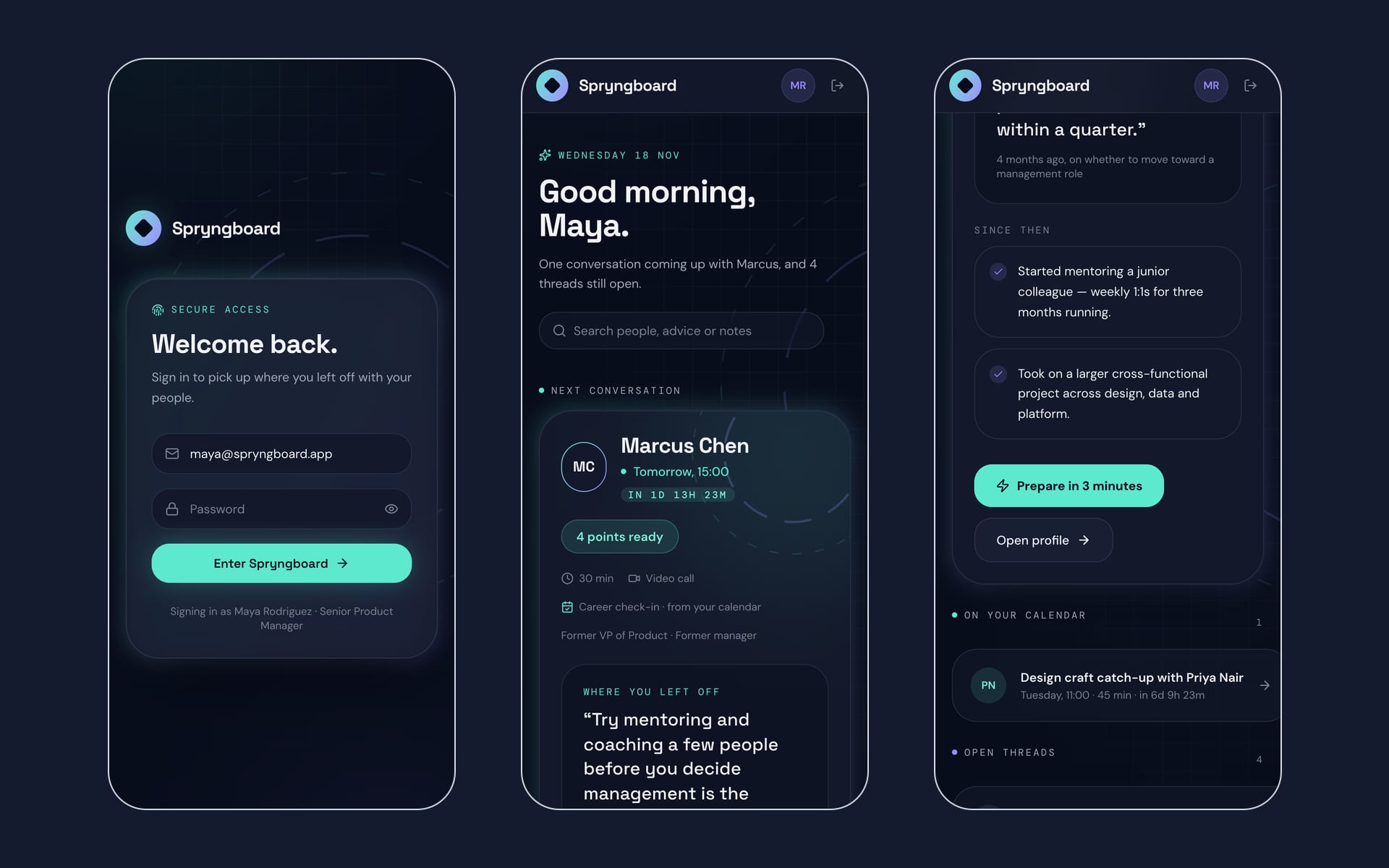
Spryngboard: sign-in and the Today screen on a phone
Sign in and today
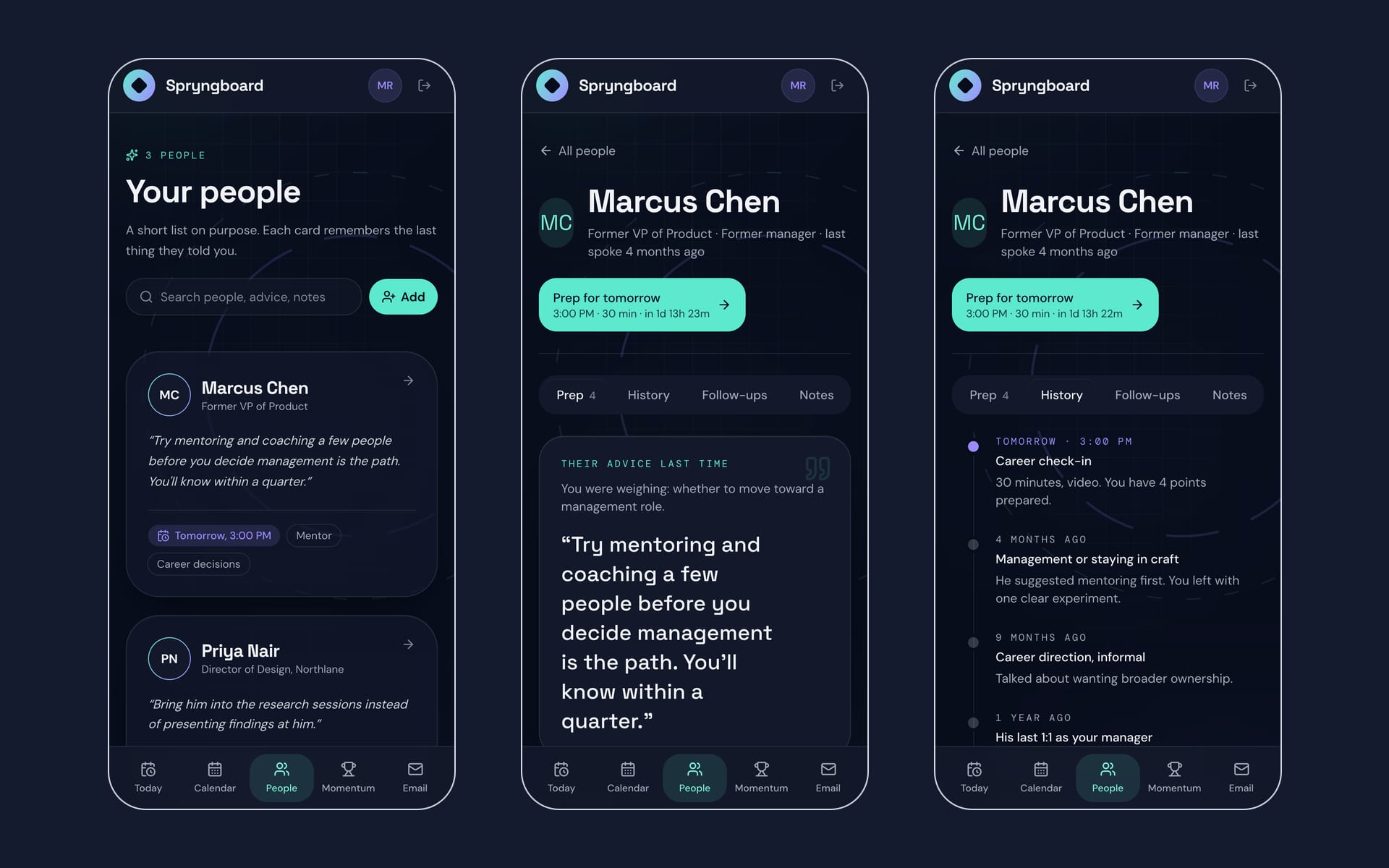
Spryngboard: the people list, a profile and its history on a phone
People and a person
Spryngboard: the three prep steps on a phone
The three-step prep
Spryngboard: the calendar, momentum and email screens on a phone
Calendar, momentum and email

Shared on request

See every screen

Spryngboard is company work, so I share the full set of screens with people I know are looking: recruiters, hiring managers and engineers I'm talking to. Tell me who you are and I'll email you a private link.

This opens your mail app with everything filled in. Or email sachin@sachinkamat.com

Want the story behind these screens?